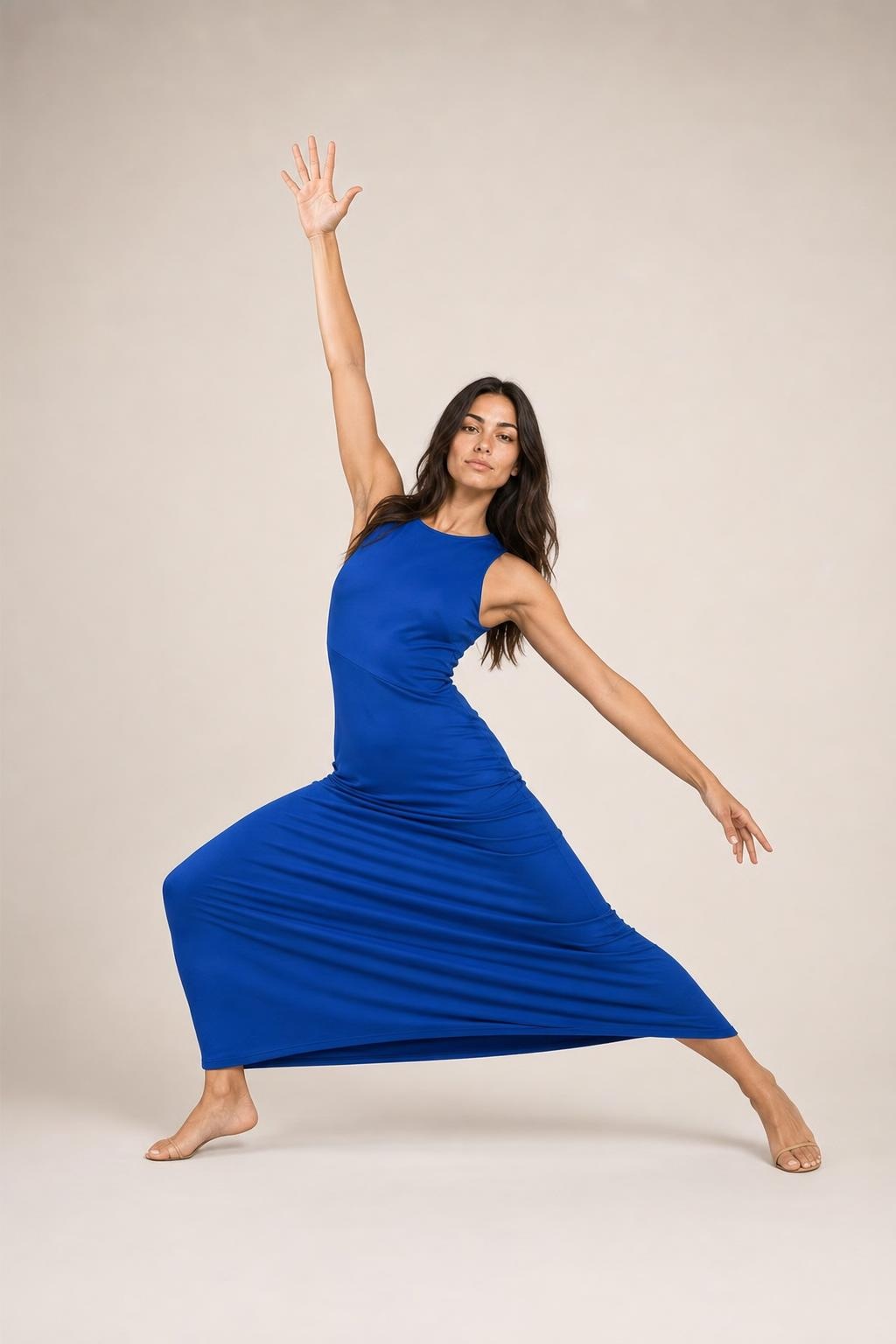
Single-shot generations
Ask for an image or a clean one-shot video without manually building the workflow yourself.
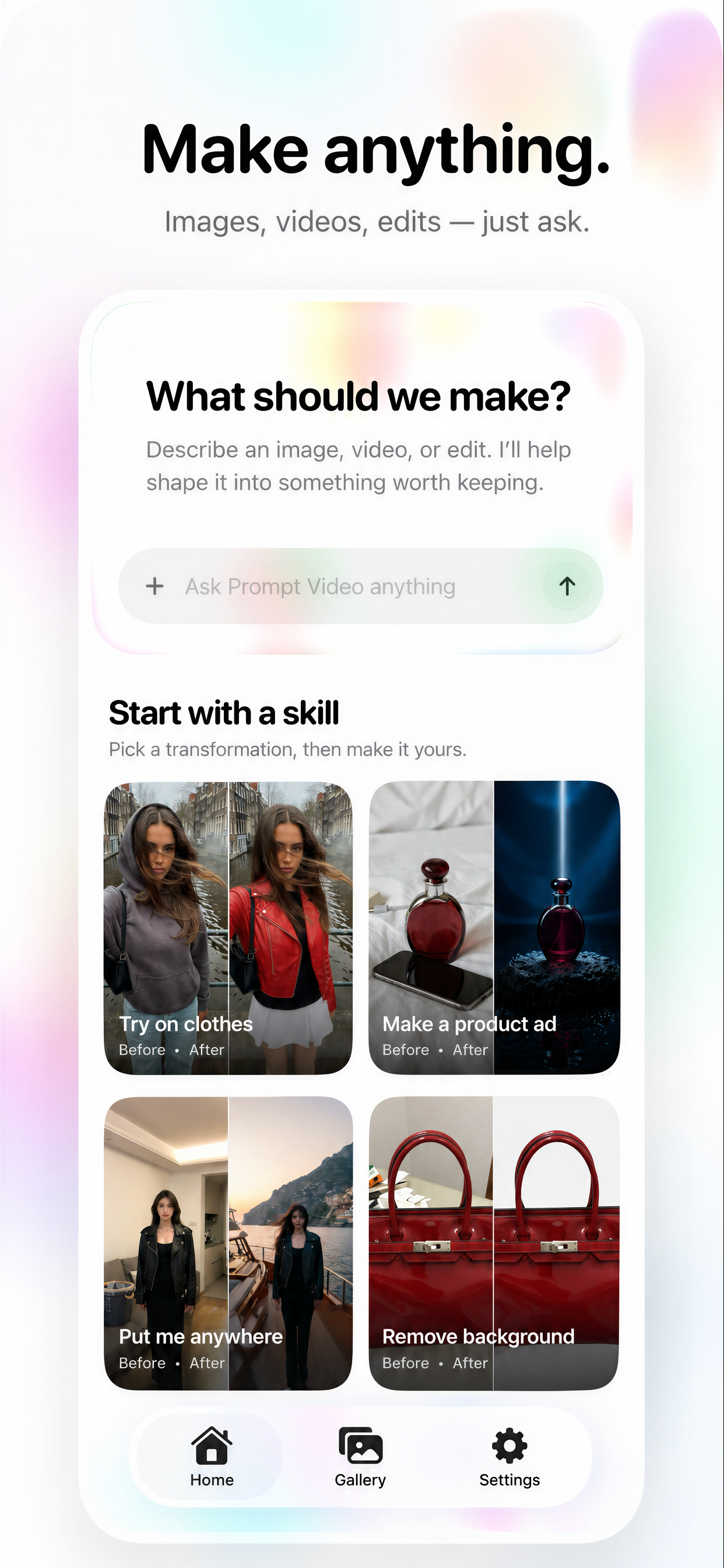
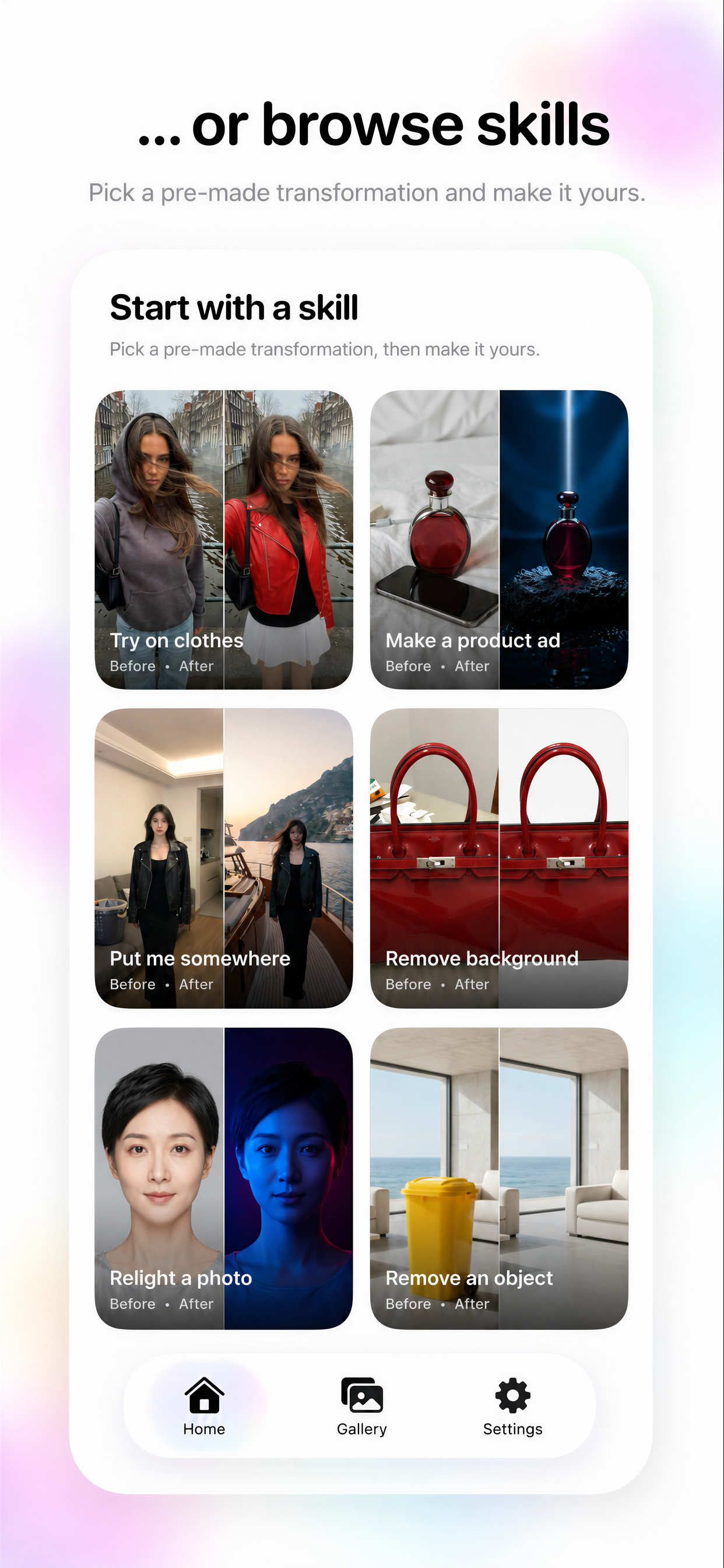
Prompt Video is a chat-first creative agent that turns one conversation into single images, single-shot videos, multi-shot sequences, reference frames, gallery-aware remixes, and fast local edits. No manual workflow required.
Prompt Video is broader than a prompt box and lighter than a full editing suite. It behaves like an AI media agent that can decide when to ask, when to plan, when to render, and when to clean something up before the final output.
Ask for an image or a clean one-shot video without manually building the workflow yourself.
When an idea needs multiple beats, the agent can plan a sequence instead of pretending one prompt can do it all.
Lock the look with a reference frame before you spend credits rendering the final result.
Pull old generations back into the conversation and keep building instead of starting from zero.
Run background removal and 4x upscaling inside the same app when you need fast cleanup on device.
Everything is designed to happen on iPhone or iPad, including async rendering while you move on with your day.
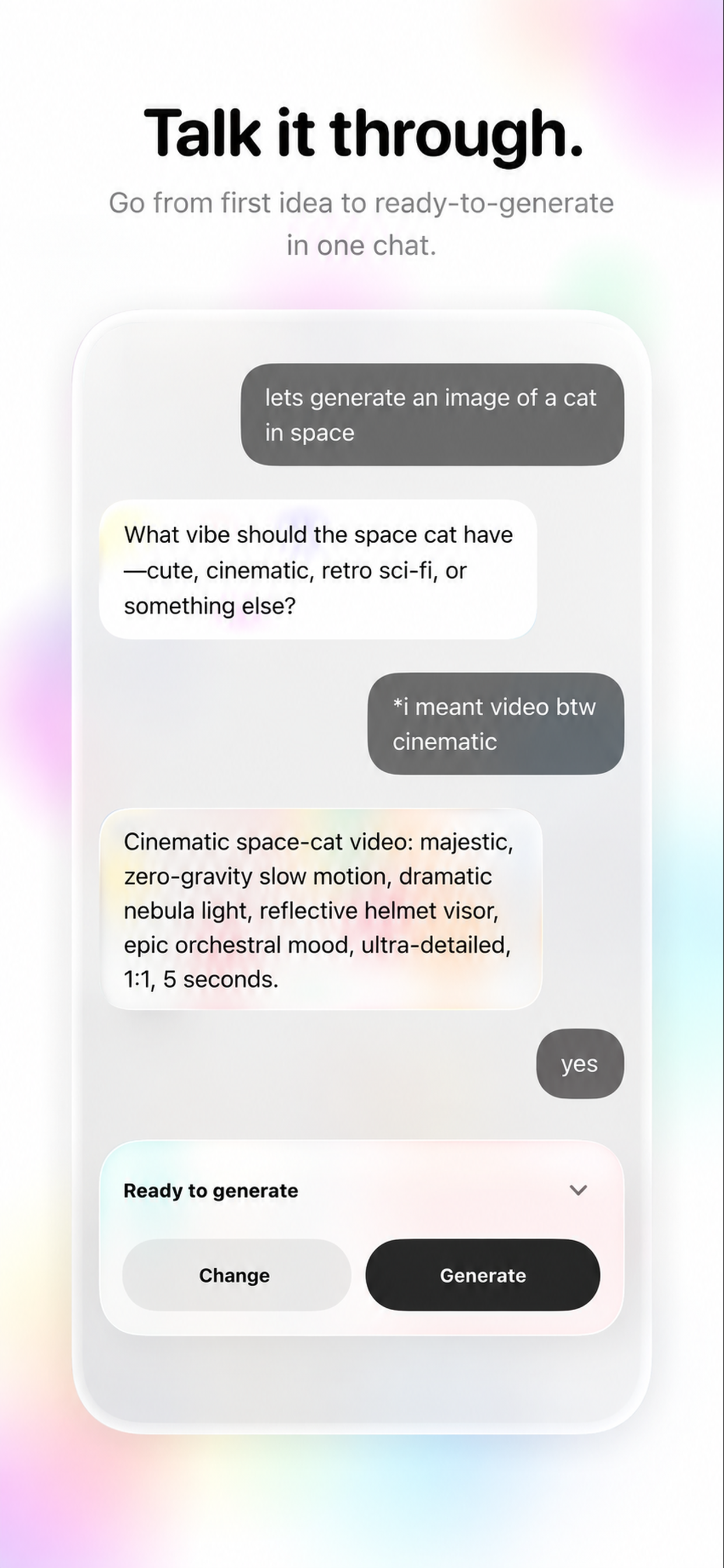
The agent can carry the operational burden. Instead of dumping a wall of settings on you up front, it can ask only the questions that actually matter, propose a multi-shot plan when the idea needs it, and route the job toward a single image, a single-shot video, a sequence, or a local tool run.
That means less prompt wrestling, fewer dead-end outputs, and a much cleaner path from "I need this" to "it is in my gallery."
Prompt Video is not just for generating something once. It is built for the back-and-forth that real creative work needs:
The flow is simple on purpose. You tell the agent what you are trying to make. It narrows the job, chooses the right path, and keeps the process moving without throwing you into a manual editor.
Describe the outcome you want, not a giant settings sheet.
It can ask follow-up questions, decide if a plan is needed, or lock a reference frame first.
For bigger ideas, approve the clip plan or first image instead of gambling on the full render.
Finished outputs land where you can inspect them, reopen them, and feed them back into the next step.
These are the kinds of requests that benefit from an agent workflow instead of a single prompt box.
"Make a polished vertical teaser for a new running shoe with three clean product beats."
"Turn this concept image into a slow cinematic push-in and keep the character design intact."
"Find the red-haired character I generated last week and build a cleaner follow-up scene from that look."
"Remove the background from this image and upscale it before we use it as the next reference."
The blog is built to keep growing with new articles around AI media workflows, image-to-video, on-device tooling, prompt strategy, and mobile creator habits.